High-Performance Software Rasterization
Rendition is a CPU-based Direct3D 12 graphics device under active development, built with the goal of running existing games without changes to their code. Its Windows driver compiles supported application shaders into native CPU code through LLVM, feeding a high-performance software rasterizer developed to demonstrate modern approaches to CPU rendering. Written in C++ and ISPC, the renderer combines a tile-based architecture, multithreaded execution, and SIMD optimizations—including AVX2 and AVX-512—to bring GPU-style parallelism to the CPU and achieve remarkable rendering performance without GPU acceleration.
Rendering work is divided into tiles and dynamically distributed across CPU cores to balance the workload. Each tile is processed by one worker at a time, while SIMD operations process multiple pixels in parallel within each tile. The pipeline incorporates variable rate shading, early Z rejection, and hierarchical Z to reject fully occluded blocks before pixel shading, just as a GPU would.
And there’s more to come.
Watch the demosTry It Yourself: Sunset Coast
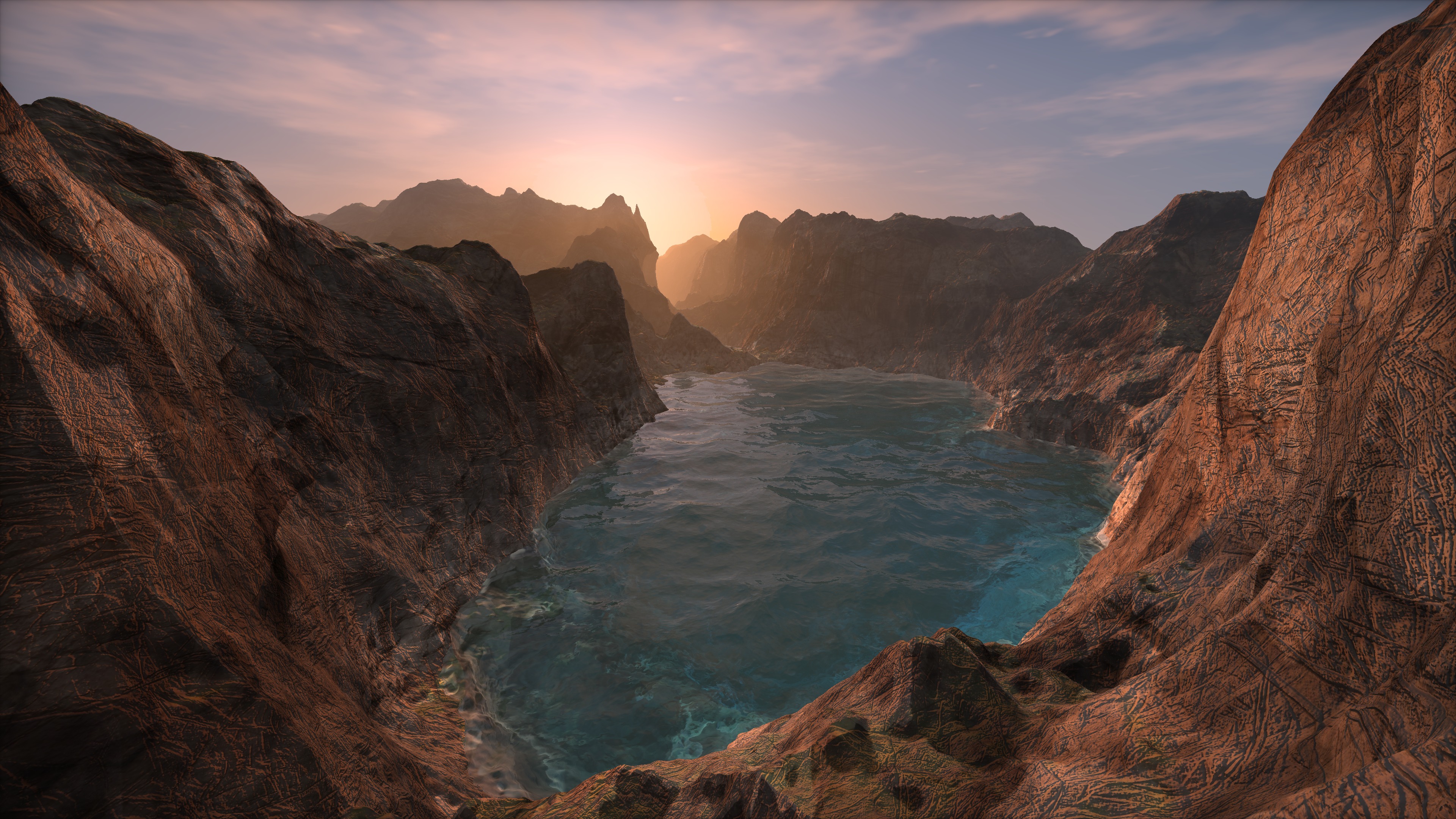
Watching a video is one thing. Sunset Coast runs on your own machine: a real-time flight along a rocky coastline, with every pixel computed by your processor. The graphics card only displays the finished frames.
The demo picks the best instruction set your CPU supports, from AVX-512 and AVX2 down to plain x64, and puts every core to work. A live readout shows how fast your machine is rendering. Hold the right mouse button to fly with W, A, S and D, and press F12 to save a 4K screenshot.
Windows 10/11 x64 · 4.9 MiB · Portable, no installer
A Real Direct3D Device. Powered by the CPU.
Rendition’s Windows graphics driver exposes a Direct3D 12 adapter that real applications can select through the standard Direct3D interfaces. Applications create resources, submit drawing commands, and present frames through a normal windowed swap chain, just as they would with a hardware-backed Direct3D device. The driver executes the rendering on the CPU, while Windows handles displaying the finished image through its normal desktop composition path.
The shader compiler translates supported HLSL/DXIL vertex and pixel shaders into native CPU code through LLVM. That code works alongside ISPC routines for triangle processing, rasterization, and texture sampling. The working pipeline supports indexed geometry, perspective-correct interpolation, textured and lit surfaces, depth and stencil testing, alpha blending, and pixel discard. Validation includes conventional geometry scenes and a manually HLSL-translated procedural shader running through the driver.
Texture sampling draws on Rendition’s extensively optimized ISPC sampler, developed to combine high-quality filtering with fast CPU execution. It supports bilinear and trilinear filtering, mipmaps, and explicit level-of-detail and gradient sampling.
Development is focused on expanding that foundation: broader shader and resource support, more texture formats and sampling modes, compute shaders, and the synchronization and command behavior required by existing games. Captured game workloads guide the work toward the longer-term goal of running unmodified Direct3D 12 titles. The driver already renders and presents supported workloads; general game compatibility remains the next challenge.
High Performance
Rendition combines parallel execution with techniques that avoid unnecessary work. Dynamic tile scheduling distributes rendering across CPU cores, SIMD processes multiple pixels per instruction, and depth rejection skips shading for hidden surfaces. Variable rate shading provides another way to reduce shading work by varying its frequency across the image.
The Menger Sponge demonstration shows the renderer in action. Play the video to see the scene in motion.
SIMD-Enhanced
Rendition uses AVX2 and AVX-512 to execute pixel-shading calculations across multiple SIMD lanes. Rather than evaluating each pixel separately, it applies the same operations to groups of pixels, with each lane carrying its own data.
This provides a second level of parallelism within the renderer: tile scheduling distributes work across CPU cores, while SIMD instructions process groups of pixels within each core.
C++ Meets SIMD
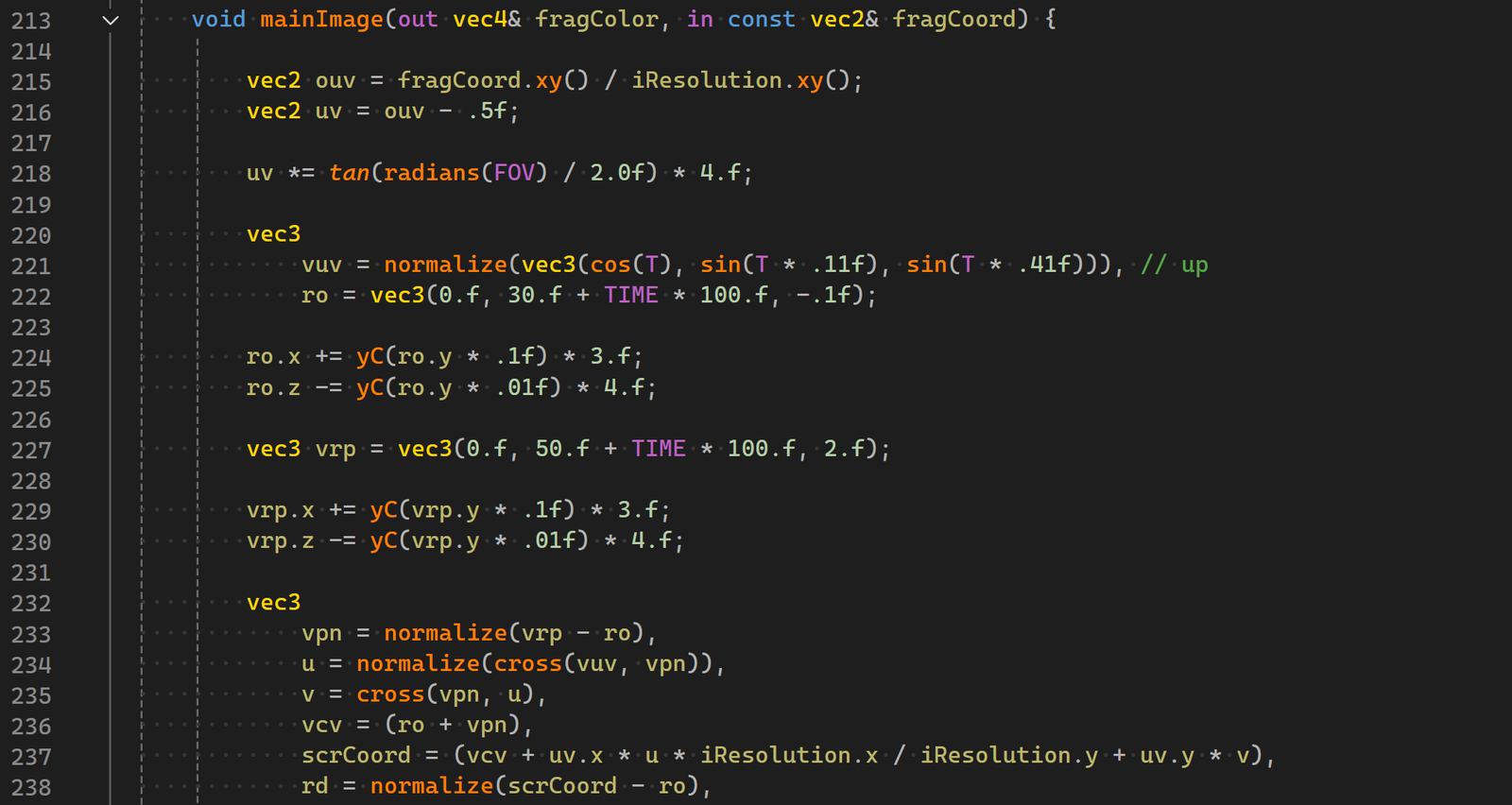
Vectorized is Rendition’s C++ SIMD library. It expresses parallel operations through vector types and familiar arithmetic, keeping compiler intrinsics out of the shader code. The result reads much like GLSL: the code describes the shading calculation, while the underlying types apply it across multiple pixels.
These vector operations fit directly into ordinary C++ code, alongside objects and control flow, without requiring a separate kernel. This approach powered Rendition’s early shader demonstrations. The renderer later moved to ISPC, carrying its shaders, texture sampling, and rendering architecture forward into a dedicated parallel programming model.
Rendering Capabilities
Rendition has evolved from hand-written SIMD shaders to CPU shader compilation and Direct3D integration. Its latest work brings the rendering architecture and ISPC kernels into a Windows graphics driver.
CPU shader compilation
Translates supported HLSL/DXIL shaders into native CPU code through LLVM, without manually porting each shader to ISPC.
SIMD-aware control flow
Uses per-lane execution masks to handle divergent branches and loops, allowing pixels to follow different paths through a shader.
Adaptive shading
The ISPC renderer adjusts shader sampling according to image variation, reducing work where neighboring samples produce similar results.
Vectorized texture sampling
The CPU sampler supports bilinear and trilinear filtering, mipmaps, and explicit level-of-detail and gradient sampling.
Programmable geometry pipeline
Combines vertex and pixel shaders with clipping, perspective-correct interpolation, depth and stencil testing, and alpha blending.
Native Direct3D 12 integration
A Windows graphics-driver prototype connects supported application rendering commands to CPU execution and normal windowed presentation.
Demonstration Videos
This is software rendering. See it for yourself.
OpenGL Driver
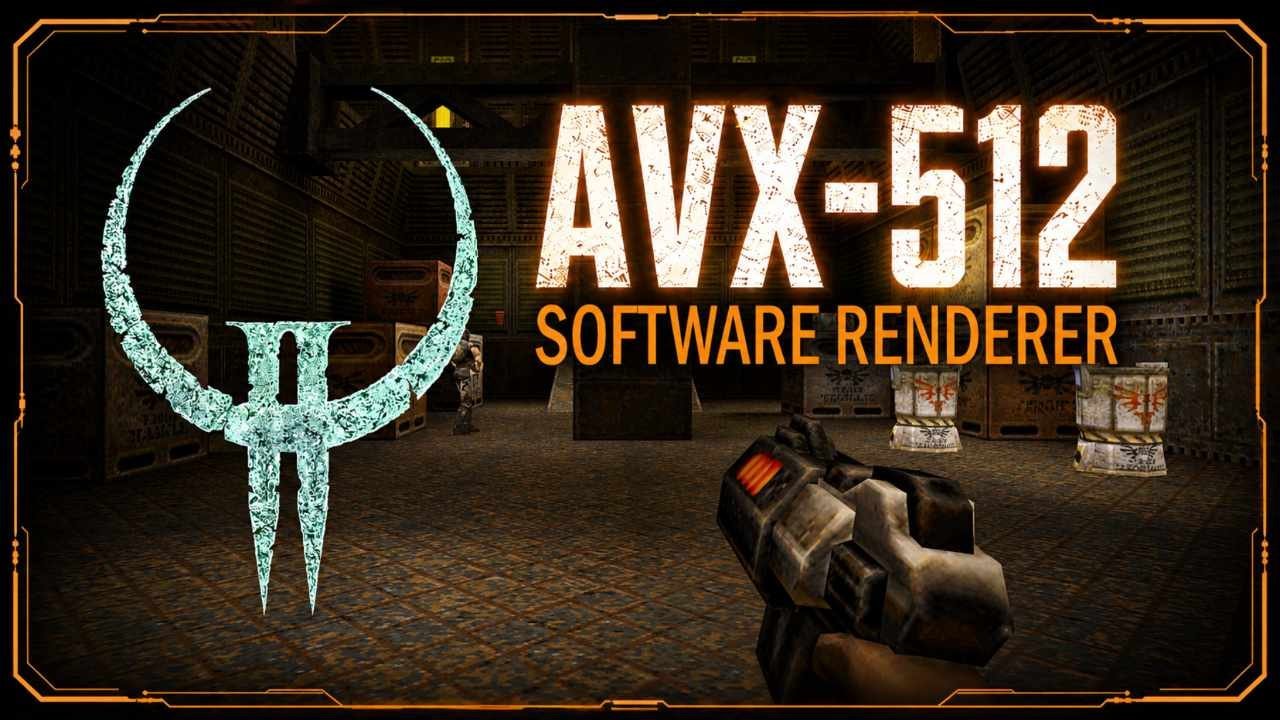
Rendition began in 2002 as a personal research project to learn SSE and MMX programming in C++, during a period between jobs after a layoff from Microsoft. By 2003, it had developed into a software renderer with an OpenGL driver capable of running Quake II entirely on the CPU. That original, single-threaded driver still runs on modern Windows systems with Intel and AMD processors.
In 2026, after rebuilding the renderer around modern SIMD, multithreading, and tile-based rendering, it was time to return to Quake II. A new OpenGL driver brought those techniques into the same game that had tested the original renderer more than two decades earlier.
The new driver was a proof of concept, built to test whether the modern rendering architecture could run an existing game through its graphics API. Its success with Quake II provided the confidence to pursue a Direct3D 12 driver and a much broader range of games. The video and download here feature the modern Quake II driver.
Download OpenGL Driver for Quake IIModern and original drivers · Portable launcher · Windows 10/11 x64